Resize and position
Enter dimensions or choose a preset. Use Fit or Fill, crop, rotate, zoom, and reposition the image.
Resize, crop, convert, optimize, and batch-process images for websites, social media, marketplaces, documentation, and digital products. Your images stay in your browser during normal conversion.
Free to use · No account required · Batch support · Browser-local processing
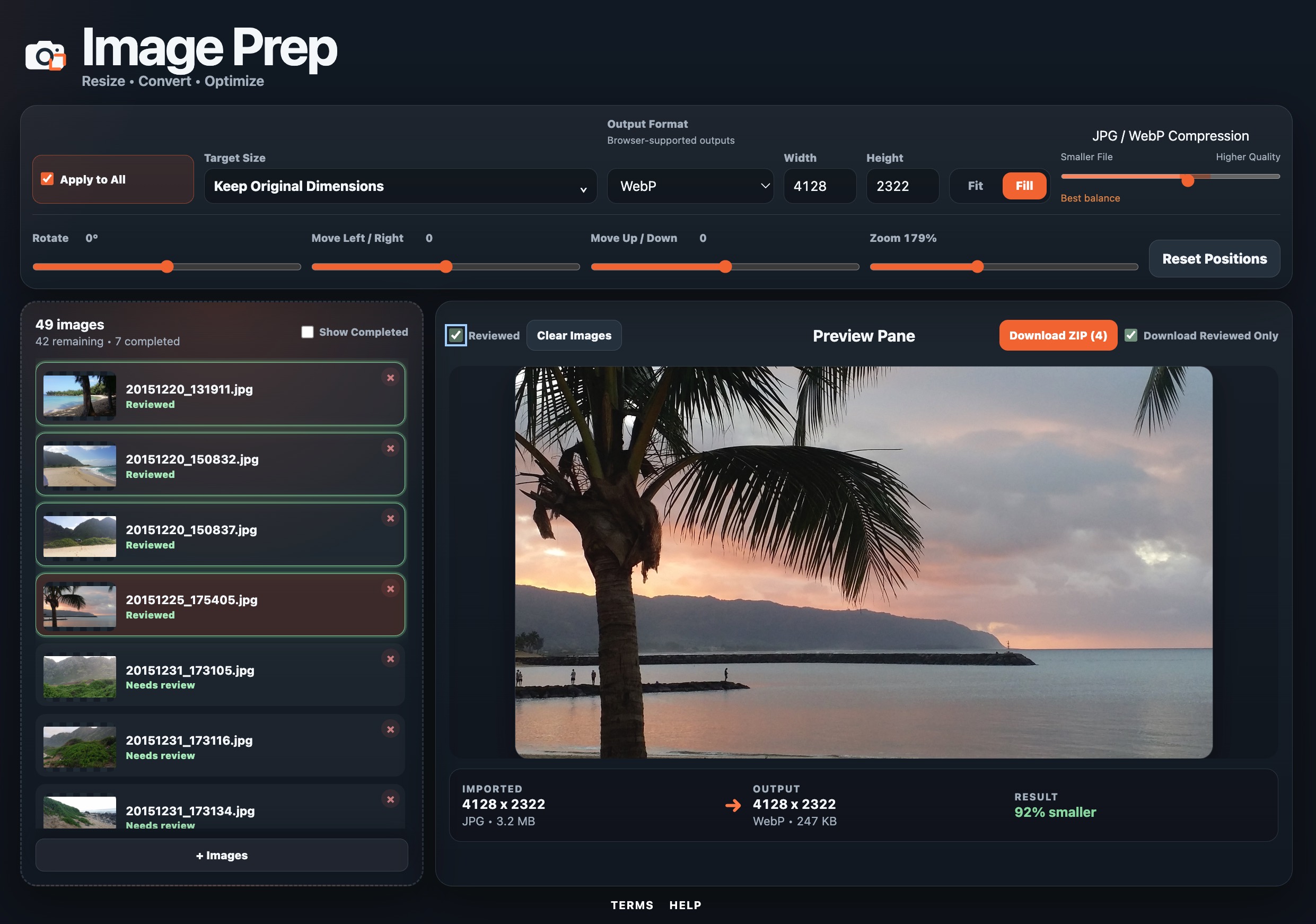
Choose a target size, then control how each image fits that frame before downloading one result or a ZIP.
Enter dimensions or choose a preset. Use Fit or Fill, crop, rotate, zoom, and reposition the image.
Lock width and height while working through sequential images. Manual dimension changes become the new locked target until you unlock it.
Adjust images individually, apply supported settings across the batch, then download one image or create a ZIP.
Image Prep accepts JPG, PNG, WebP, HEIC, HEIF, AVIF, GIF, BMP, and TIFF when the current browser can decode them. Available exports are JPG, PNG, and WebP when the browser can create those formats.