Smooth Loop
A crossfaded transition blends the end back into the start for a less abrupt repeat.
Open a video, choose the section, inspect the seam, and export a short MP4 or WebM loop without uploading the source file.
Free to use. No account. No server-side video processing.
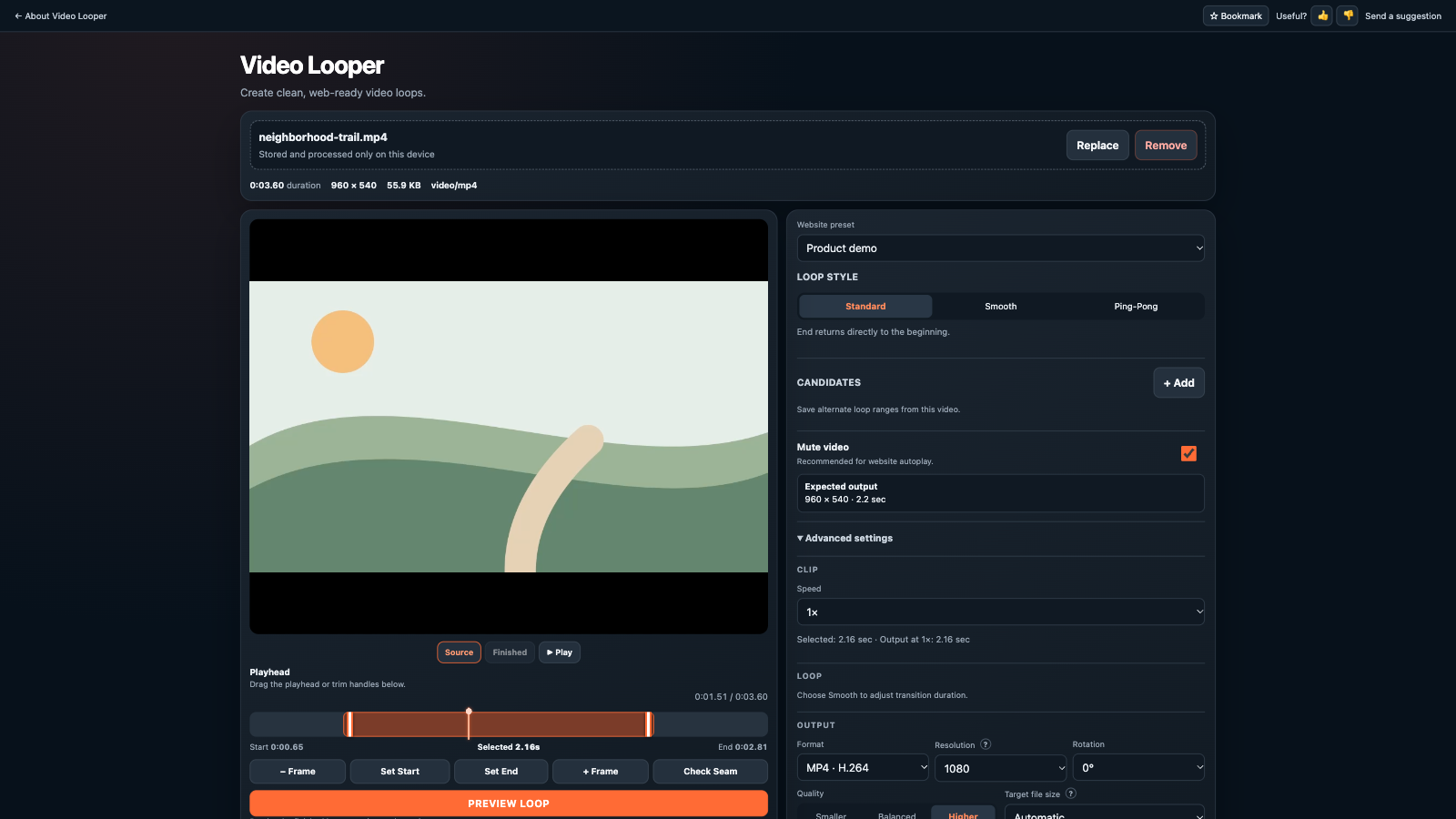
Set start and end points, step by frame, save candidates, and compare the start and end seam.
Use a standard cut, smooth crossfade, or ping-pong loop with website-oriented presets.
Render MP4/H.264 or WebM/VP8 with resolution, quality, rotation, audio, and target-size controls.
Two short examples show different ways a finished loop can repeat.
A crossfaded transition blends the end back into the start for a less abrupt repeat.
The clip plays forward, then reverses back to its starting point before repeating.
Video processing can use several times the source file size in memory. Current desktop Chrome or Edge is recommended. Safari and mobile browsers may have tighter memory limits. Codec support varies, especially for MOV files.
Files over 2 GB are rejected. Clips selected for rendering are limited to five minutes.
The layout adapts to narrow screens, but rendering large video on a phone may be impractical.
Review every exported loop and retain the source video as your backup.
No. Import, processing, preview, and export run locally in your browser.
Current desktop Chrome or Edge is recommended. Other current browsers may work, but video codec and memory support vary.
Yes. It is free and requires no account.