GetSkipa Pulse is a personal capture and recall app for saving text, project notes, useful finds, and voice thoughts before they get away. Organize them with tags, sync Pulse-managed files to a Pulse Vault in your own Google Drive, and bring them back when you need them.
Google Drive access: GetSkipa Pulse uses limited Google Drive access to create or find your Pulse Vault and synchronize the Pulse files you choose to use with the app. Pulse does not request general access to your entire Google Drive.
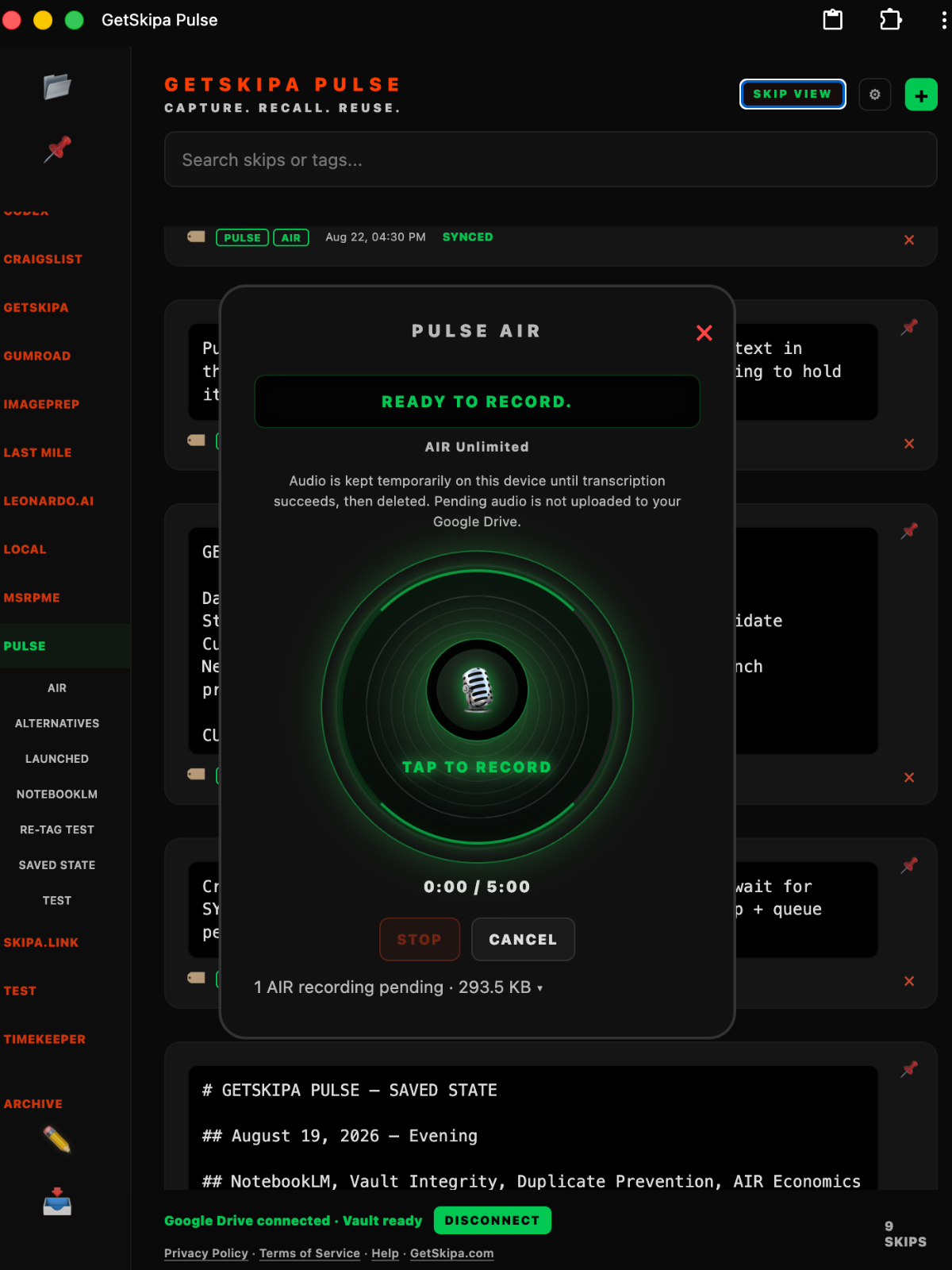
Type something, paste something, or record a thought with AIR. Pulse gives you one quick place to catch useful information without first deciding where it belongs.
2. TAG
Give it a simple label
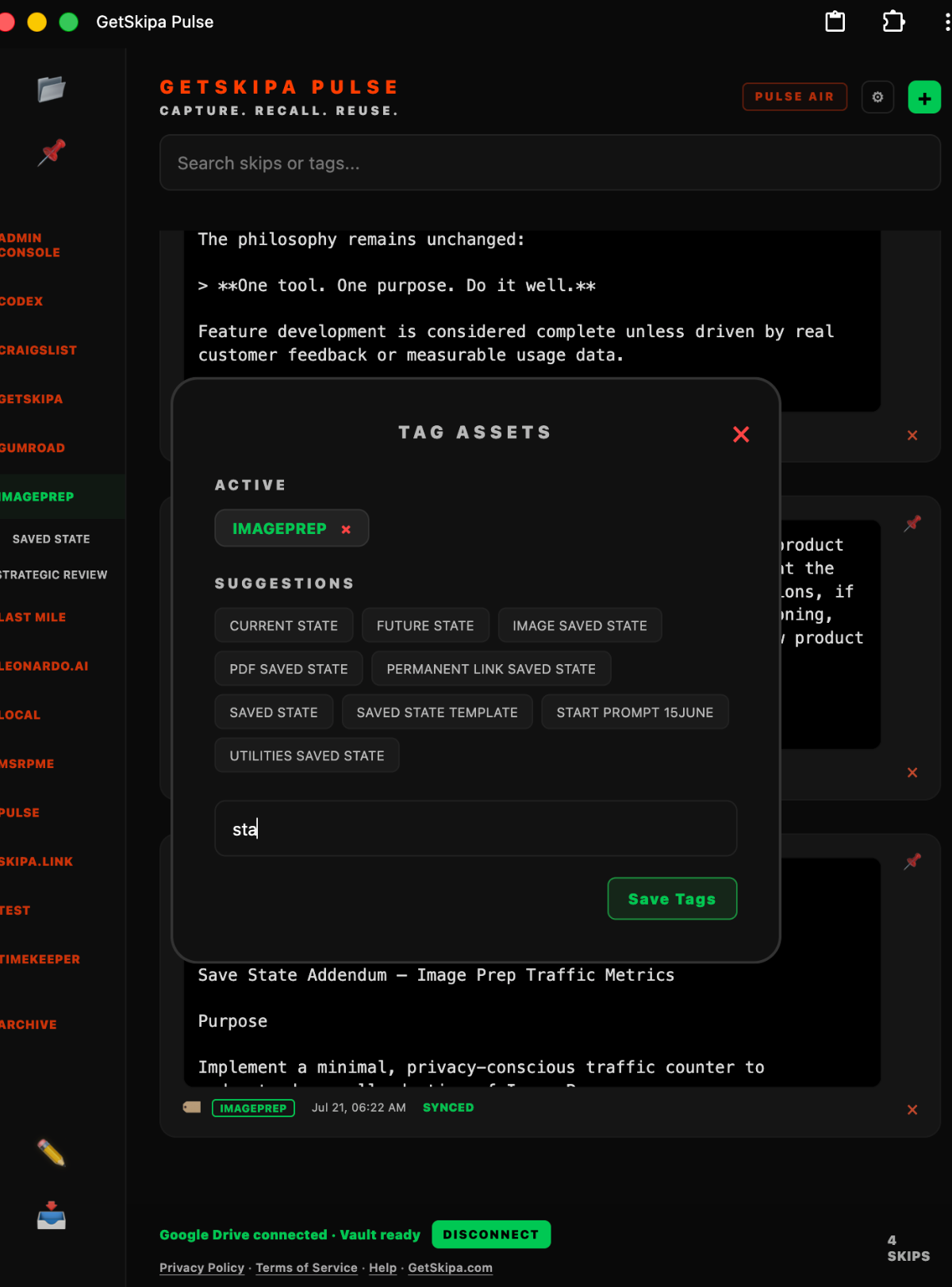
Add tags that make sense to you. Use broad topics and smaller subtopics when useful. You do not need to build folders, notebooks, or a complicated filing system.
3. VAULT
Keep it in your own Google Drive
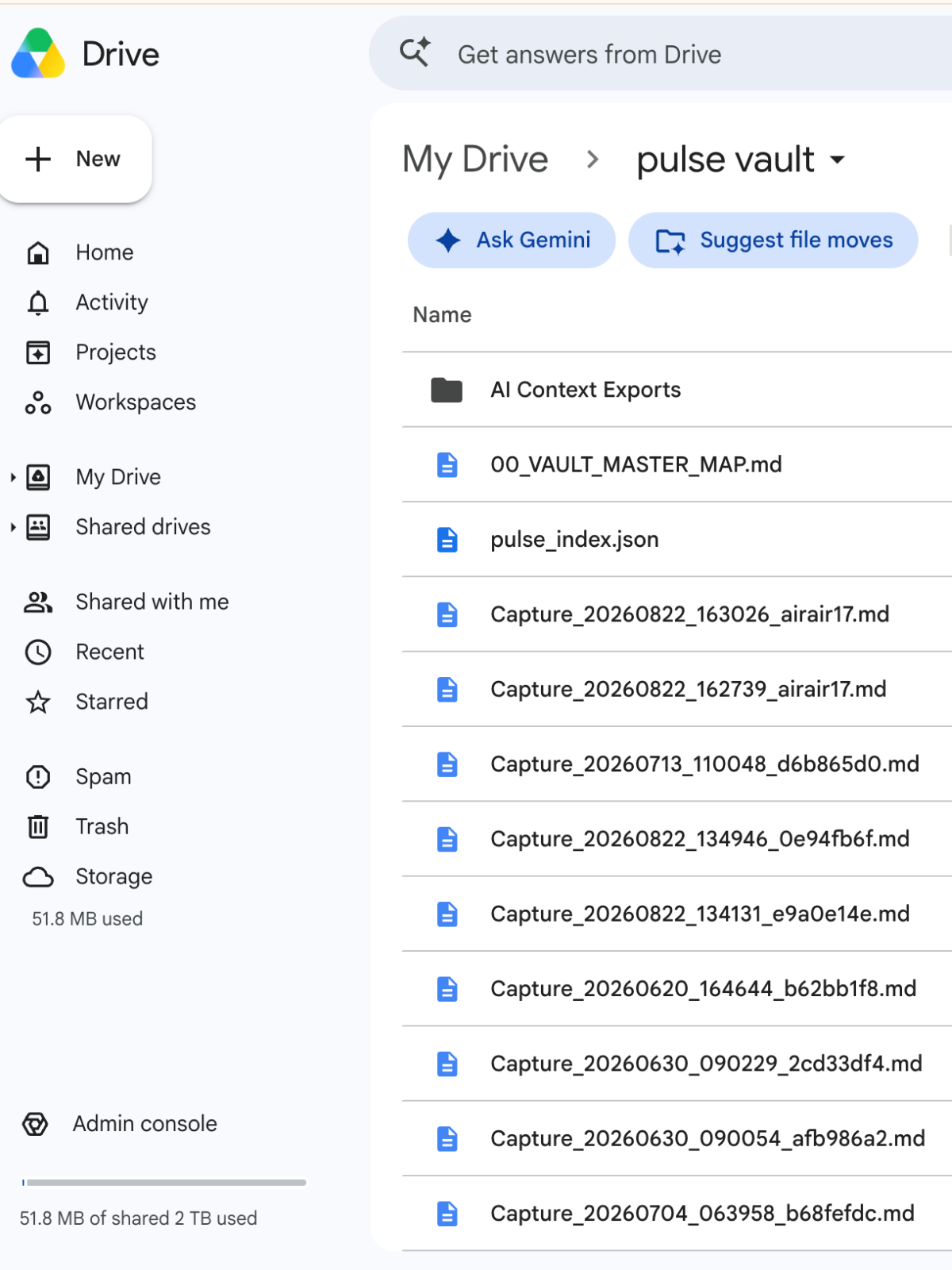
Pulse creates and manages its own Pulse Vault using limited Google Drive access. Pulse does not scan or browse your general Google Drive. It works with the Pulse files you create or use through the app.
4. RECALL
Find it when you need it
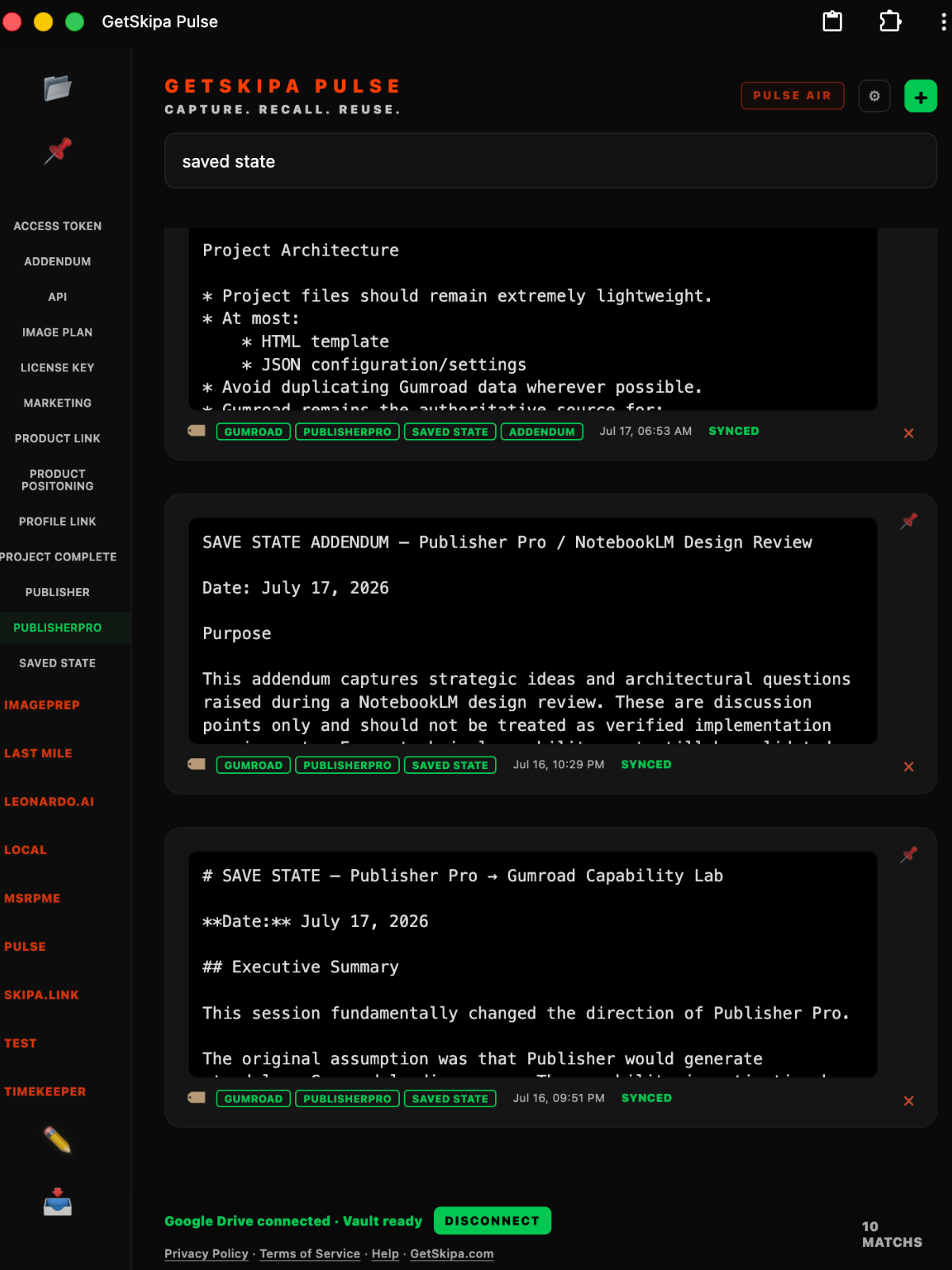
Search your saved information or browse by tag. Archive older material without throwing it away, then bring it back when that history becomes useful again.
5. REUSE
Take the useful part with you
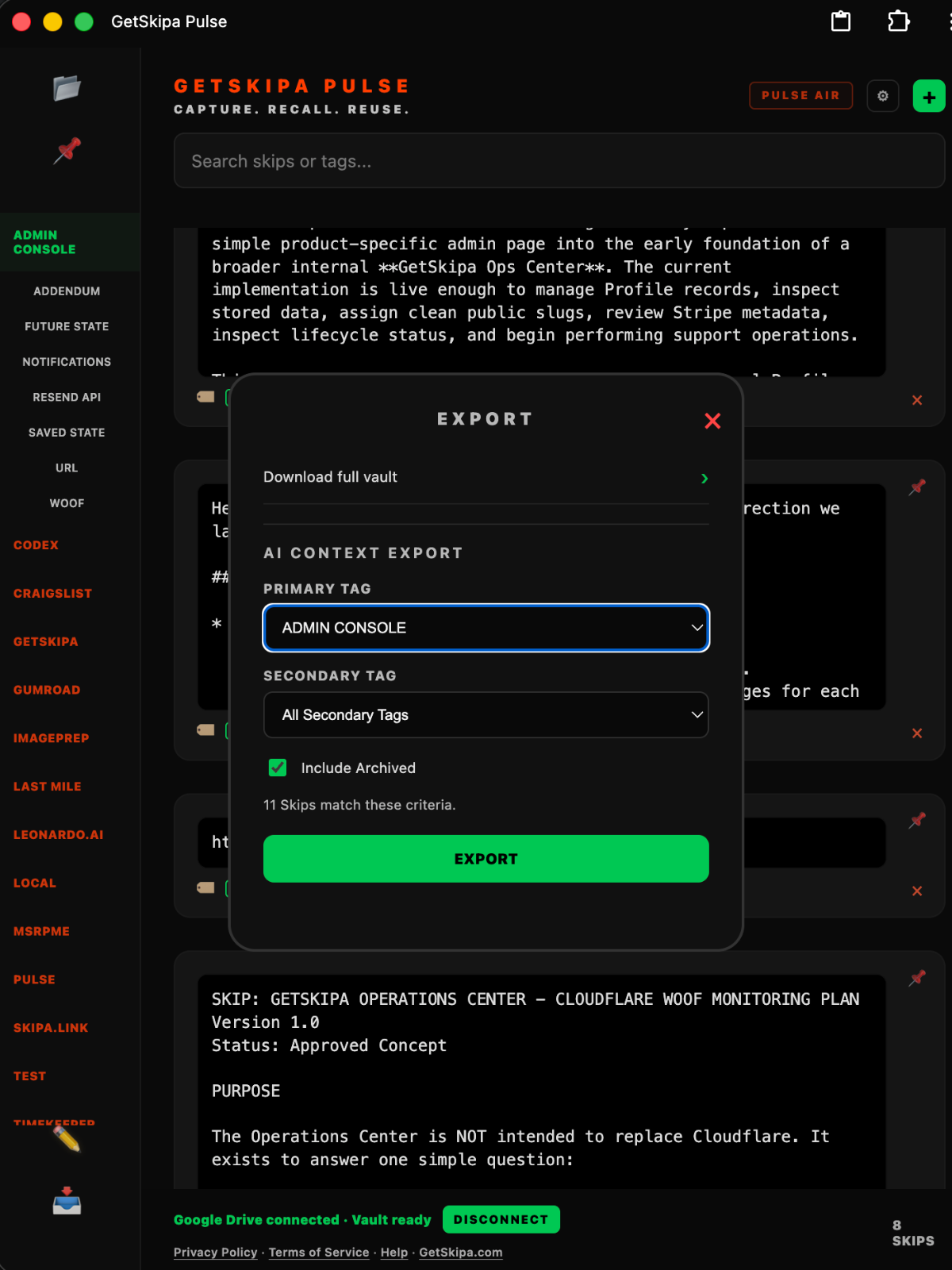
Select a topic and create an AI Context Export containing just the relevant information. Use the downloaded copy or the copy in your Drive with ChatGPT, Gemini, NotebookLM, Claude, or another tool you choose.
Capture
How Pulse Works
Capture it once. Find it when it matters.
Capture something now. Find it later. Use it wherever you need it.
1. CAPTURESave something as a Skip, or record an AIR voice Skip when speaking is faster or easier. Use Pulse Pad to hold or create text before you save "Skip" it.
2. TAGAdd simple tags to group related Skips. Use broad topics and subtopics when you want more organization. Archive tag keeps things outside the everyday view.
3. VAULTPulse keeps your Skips as readable files in your Pulse Vault, a dedicated folder in your Google Drive. Pulse only works within the Vault. It has no access or visibility outside of the Vault and does not scan the rest of your Google Drive.
4. RECALLSearch your Skips and Tags, browse by topic, and bring back your archived information when you need it.
5. REUSEYour data is AI ready. Create an export file that uses your captured Skips by providing context to the AI tool you use. This is very valuable when managing projects or doing research.
Real Talk from the founder
I built Pulse because my brain doesn't slow down.
I needed a way to capture thoughts before they disappeared into the cognitive fog of daily life.
I tried the native tools. Notes apps. Voice memos. Documents. Random texts to myself. Screenshots. Open tabs. They all became little piles of "I'll come back to this later."
The tools worked. The problem was everything ended up scattered across different places. The useful stuff got buried, forgotten, or trapped inside whichever app I happened to use that day.
Text SkipsPulse AIR
I didn't need another subscription service to spend hours organizing notes. I needed a way to quickly capture information before it got away using tools I already trusted.
That's where Pulse came from.
Most of my captures start as something I copied from somewhere else. An article. A conversation. A project note. A quote. An idea worth saving.
Pulse lets me paste it, save it, and move on. When I'm away from a keyboard, AIR gives me a way to capture the thought before it's gone.
For me, it's just a cleaner and more efficient way to keep the things my future self might need.