GetSkipa Timekeeper

Simple time tracking for small crews. No app required.

Create worker clock links, QR badges, and kiosk locations for shared jobsite check-in.

Free up to 3 workers. $49/year for unlimited workers, exports, and QR Kiosk support.

Built for owners who want cleaner records without full HR software.

Who It’s For

Made for owners who need clear records without extra software overhead.

Timekeeper fits small crews, practical operations, and teams that need something lighter than payroll software.

Small crews and contractors

Useful for owner-operators, field crews, remodel teams, and small service businesses that just need hours tracked cleanly.

Seasonal and side businesses

Works well when staffing changes over time and you do not want to maintain user accounts or full employee systems.

Businesses tracking hours manually

If hours are coming in by text, screenshots, or memory, this gives you a cleaner workflow without a big rollout.

The Problem

Most small teams don’t need full HR software. They just need cleaner time records.

How It Works

Getting started takes only a few minutes.

1

Create a business

Open Timekeeper, set a PIN and create your owner dashboard for that business.

2

Add workers

Create workers, assign them to a job or location, and give each worker a personal link or QR code.

3

Share links, QR codes, or kiosks

Workers clock in from their own link or badge, or scan at a shared kiosk location on the paid plan.

Pricing

Straightforward pricing.

Free

$0

Start small and keep it simple.

  • Up to 3 active workers
  • Personal worker links and QR codes
  • Basic location tracking
  • Great for testing or tiny crews

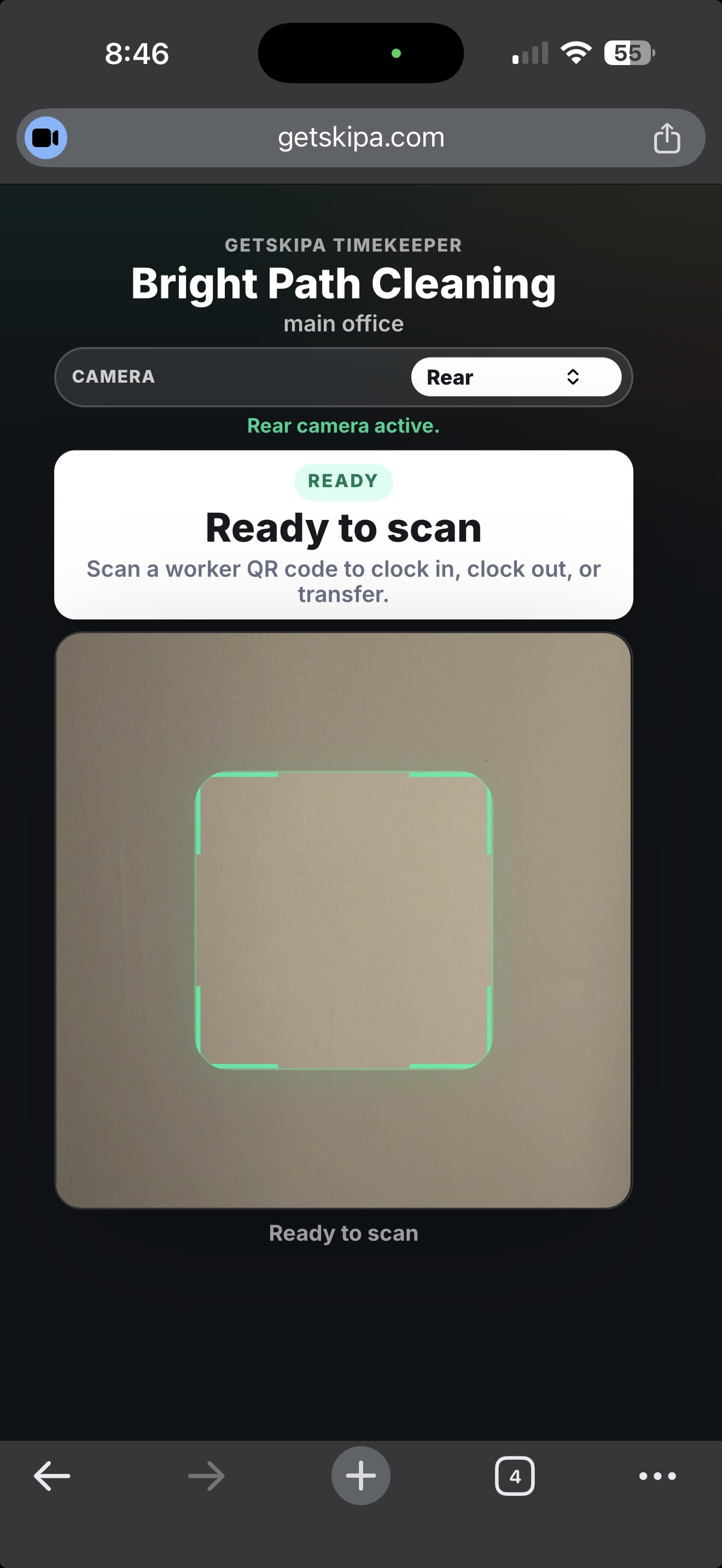
Kiosk scanning requires a supported browser/device camera. For best results, use Chrome on desktop, Chromebook, or Android devices.

What You Get

A practical toolset for simple crew time tracking.

Personal worker links

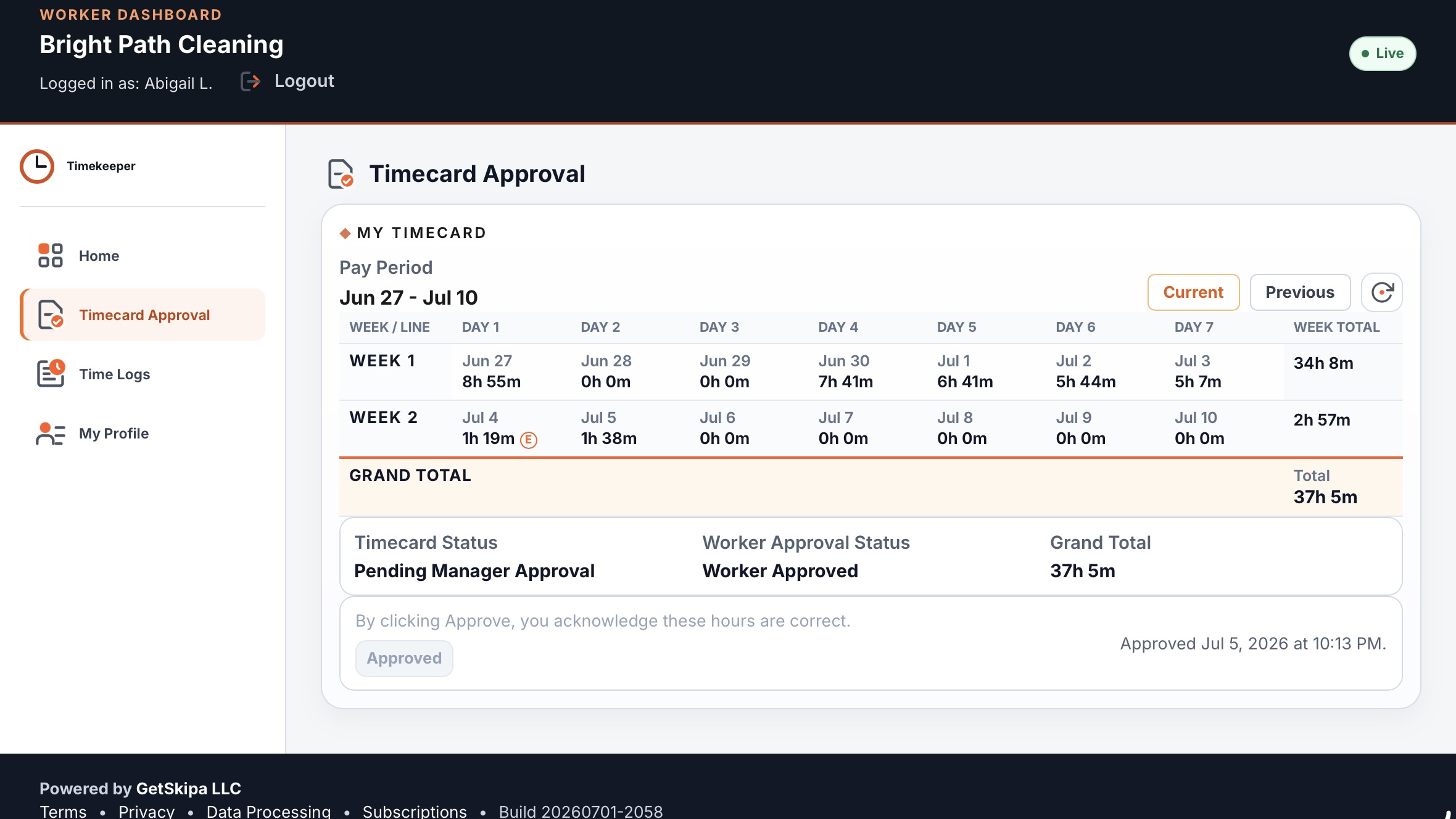
Each worker gets a dedicated browser link for fast clock in and clock out.

Worker QR codes

Print worker QR badges so workers can open their page or scan at a shared kiosk.

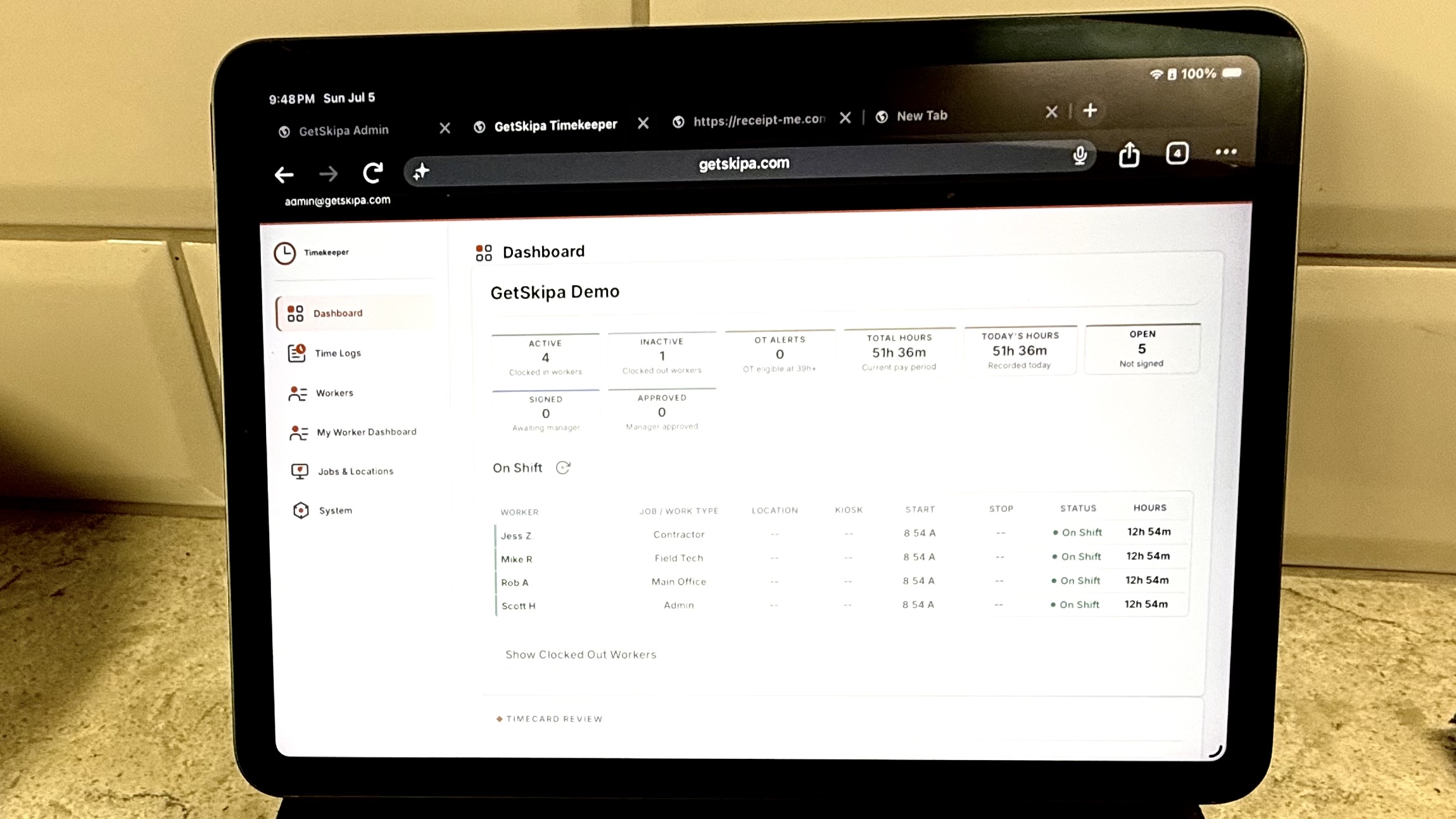
Owner dashboard

See current activity, review the time log, and manage worker status from one place.

Shared QR kiosk locations

Paid plans can create kiosk locations for shared jobsite or facility check-in.

Active and inactive workers

Deactivate workers without deleting history, then reactivate them later if needed.

Basic location tracking

Track the job or location tied to each entry, including kiosk transfers when workers move.

CSV and Excel exports

Export readable local-time records and summary totals when you need cleaner reporting.

PIN protected access to dashboard

No accounts to manage for workers. The tool stays lightweight by design.

Phone or desktop

Use Timekeeper from any phone or desktop browser. No app required.

Why I Built It

Most time tracking tools are either too much software or too much money for a small crew. Timekeeper is meant to be simple, practical, and low-maintenance.

Important Fit Note

Best for trusted teams.

Anyone with the dashboard link and owner PIN can access the owner dashboard. Timekeeper is designed for straightforward operations where simplicity matters more than enterprise-style controls.

  • Best for small businesses that do not need complex access permissions.
  • Designed for trusted crews and practical day-to-day operations.
  • If you need audit controls or payroll compliance tooling, you may need a full HR system.

Get Started

Open Timekeeper and set up your business.

Start free, add workers, and see whether the workflow fits your crew.